
夜饭NightSnack
一本只写给自己的日记。没有账号,没有关注和点赞,也没有人在看。写下的每一句话、每一张照片,都只保存在你的 iPhone 上。 A journal written only for you. No account, no followers, no likes, no audience. Every word and every photo stays on your iPhone.
在 App Store 下载Download on the App StoreiPhone · iOS 18 及以上 · 免费下载,夜饭 Plus 一次购买永久解锁iPhone · iOS 18 or later · Free, with a one-time NightSnack Plus upgrade
安静地记录Write quietly
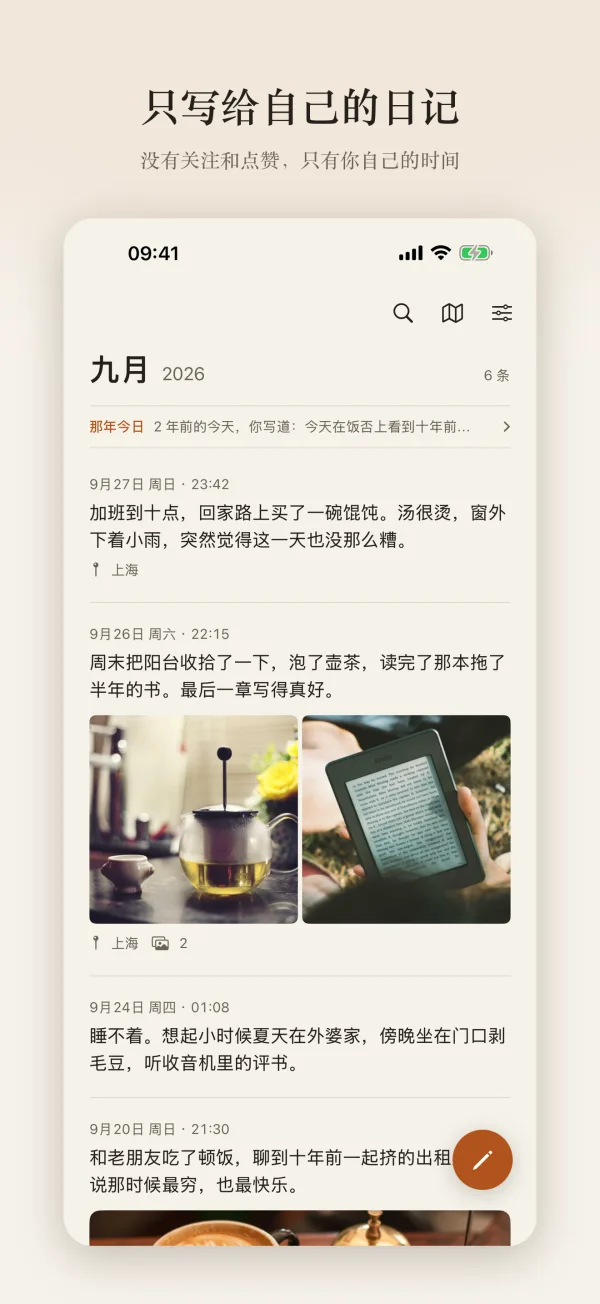
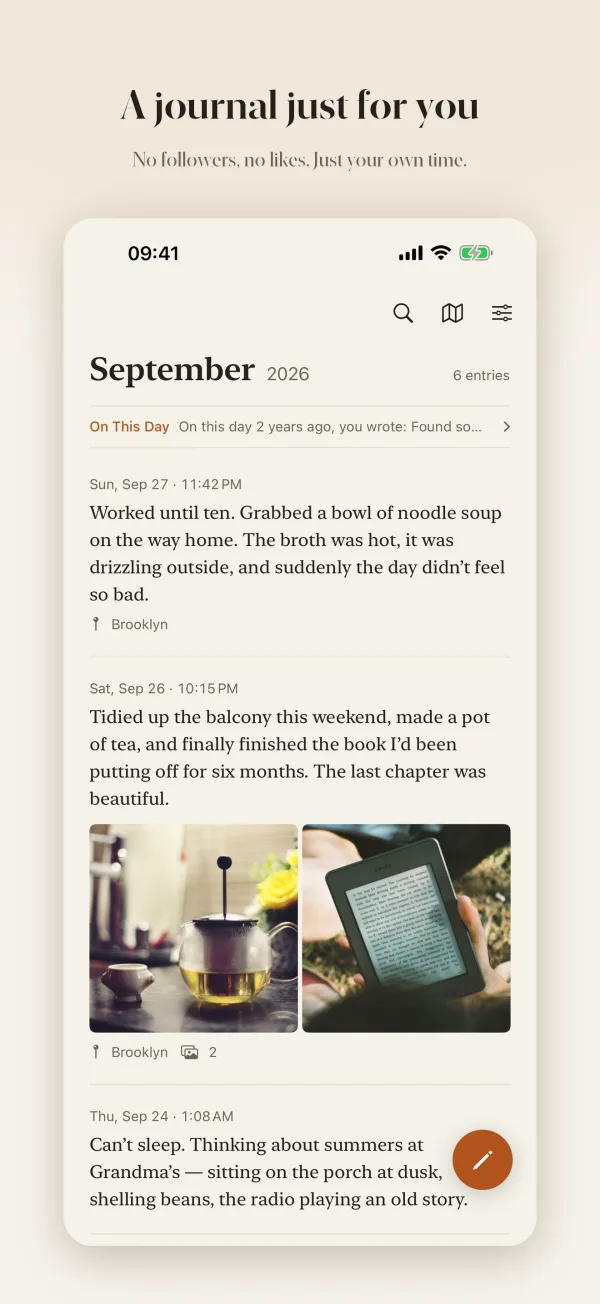
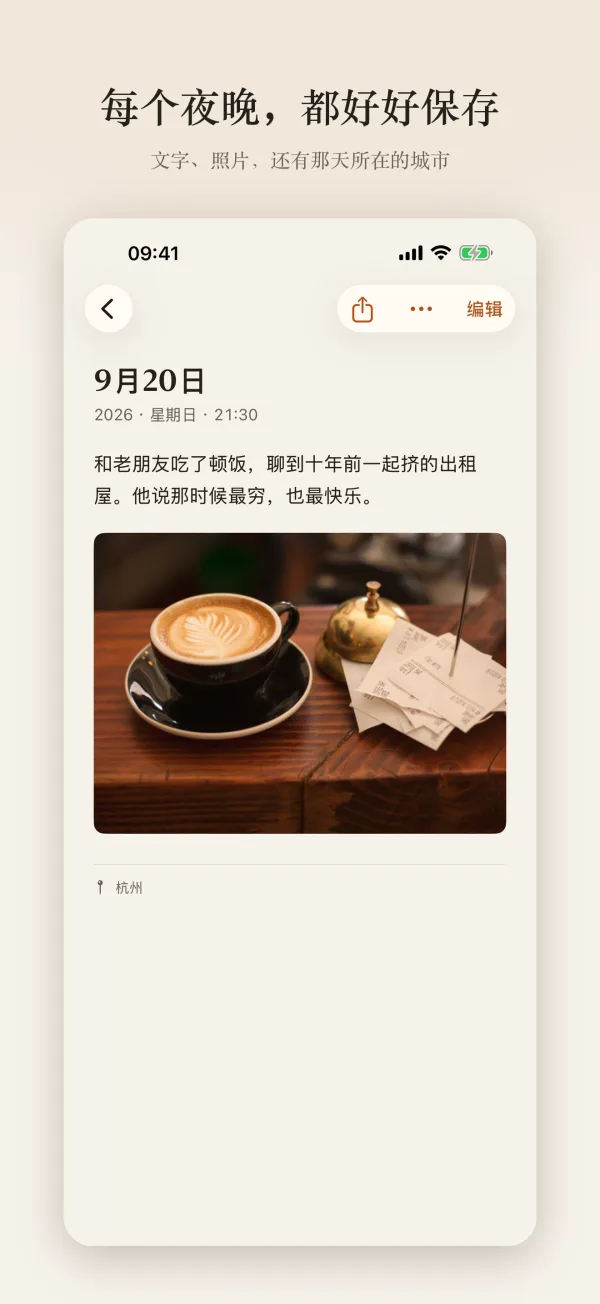
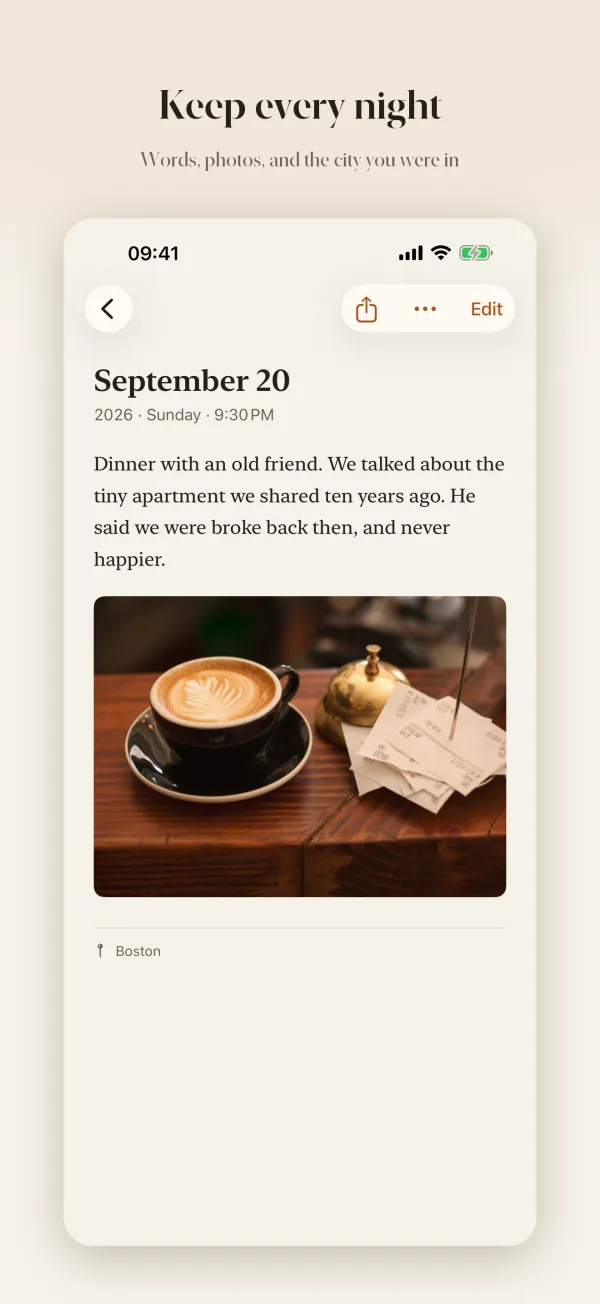
- 随手写下此刻,附上照片和所在的城市或附近的地点
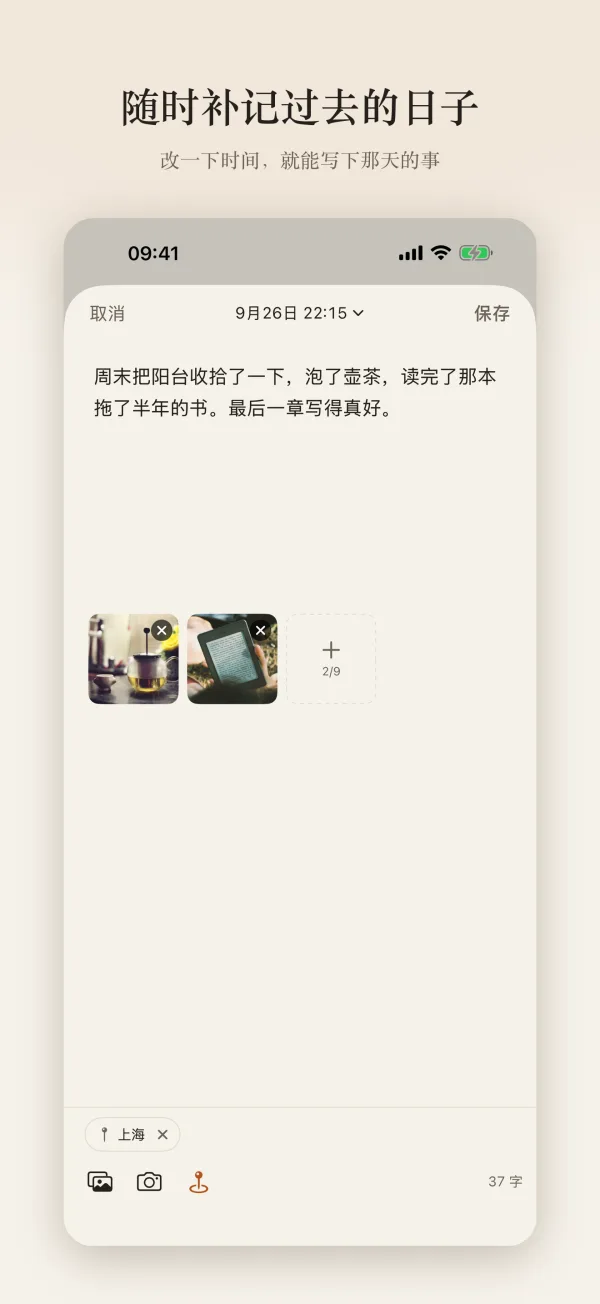
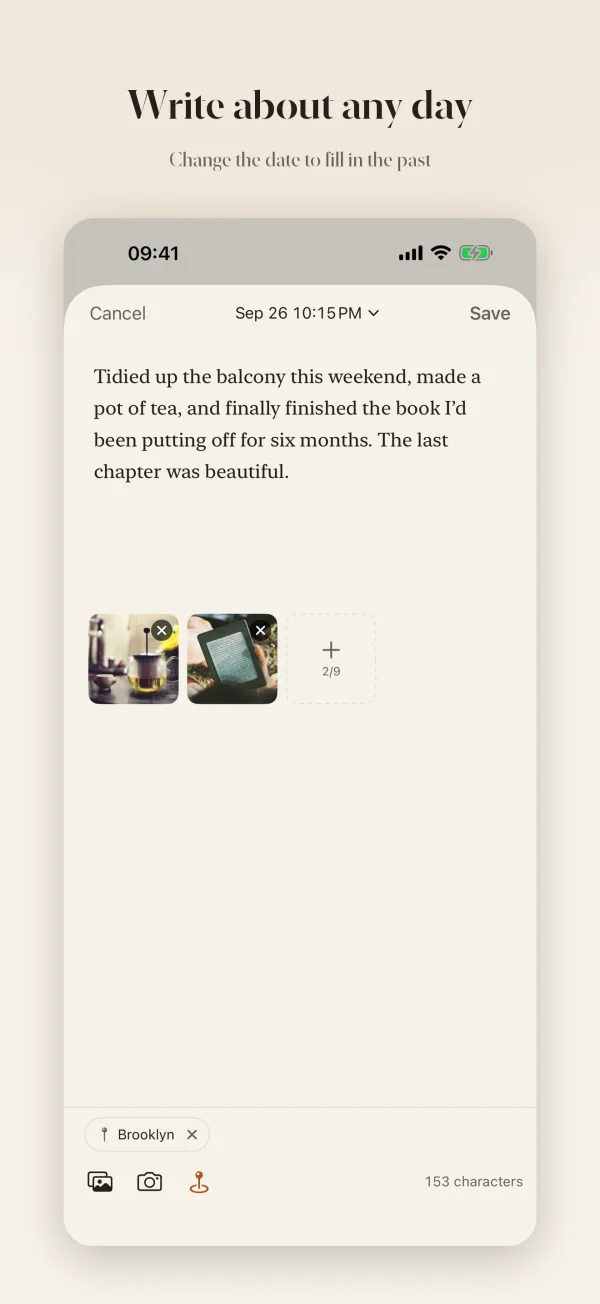
- 可以把时间改到过去,补记那天发生的事
- 草稿自动保存,每晚提醒你写几句
- Write down the moment, with photos and the city or a nearby place
- Pick a past date to fill in a day you missed
- Drafts save automatically, with a gentle nightly reminder
回看时间Look back
- 按月份排列的时间线,一眼跳到任何一个月
- 「那年今日」:看看几年前的今天写了什么
- 按文字、来源或城市搜索;主屏幕和锁屏小组件
- A timeline grouped by month, jump to any month in a tap
- On This Day: what you wrote on this date in past years
- Search by text, source or city; Home and Lock Screen widgets
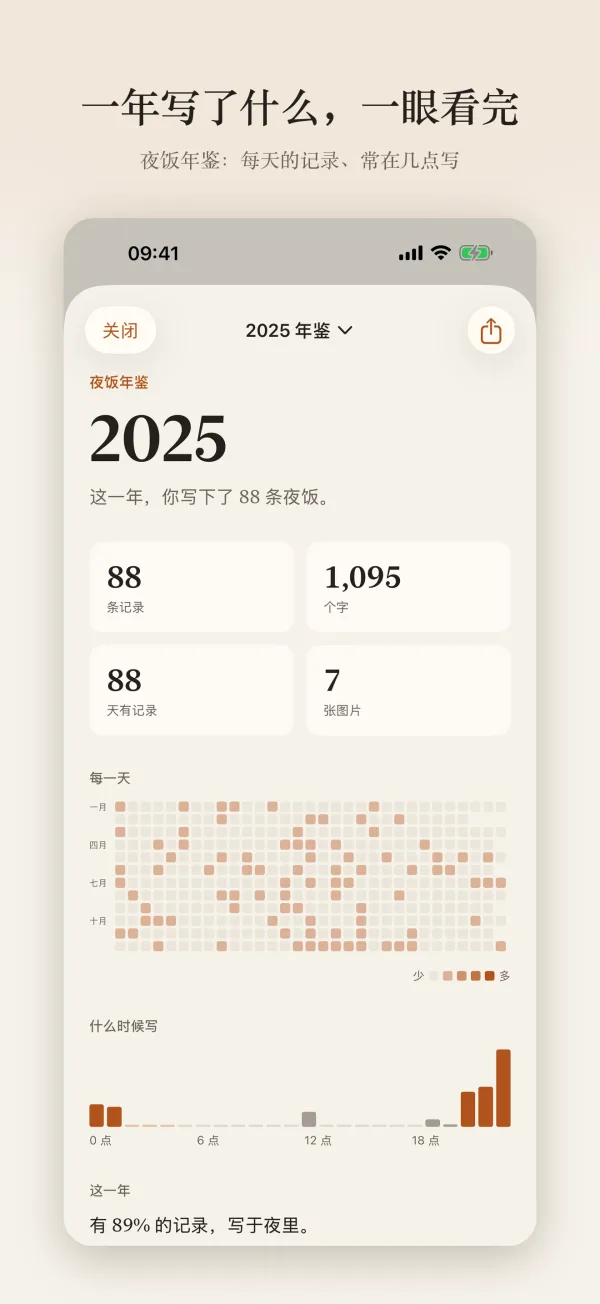
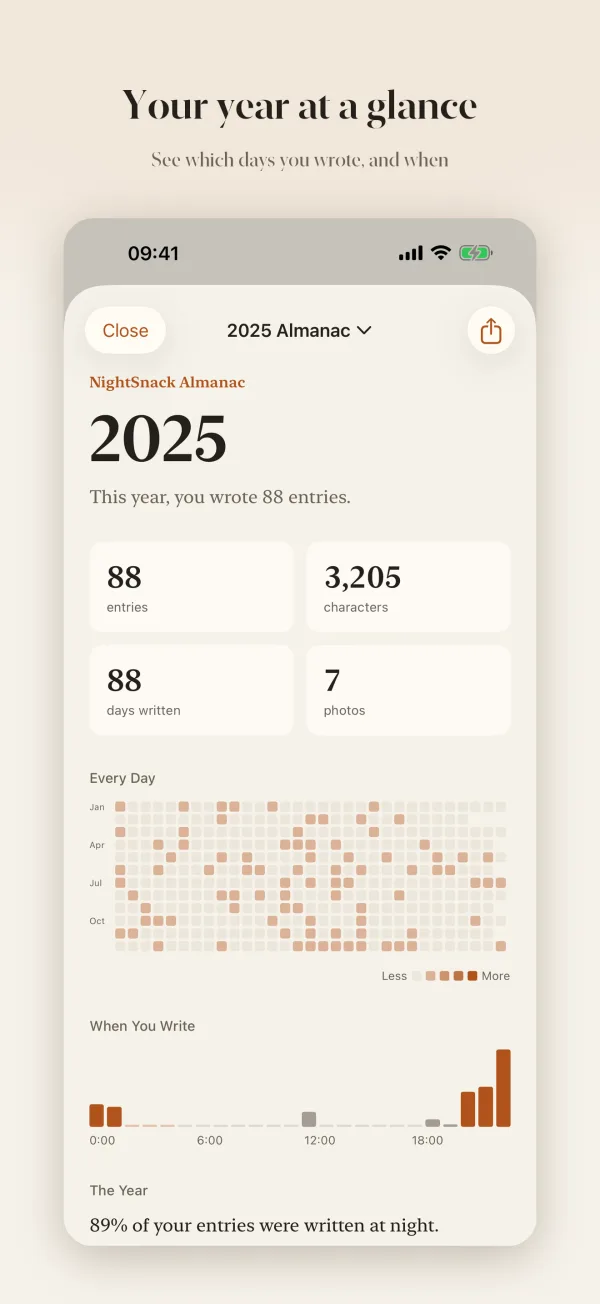
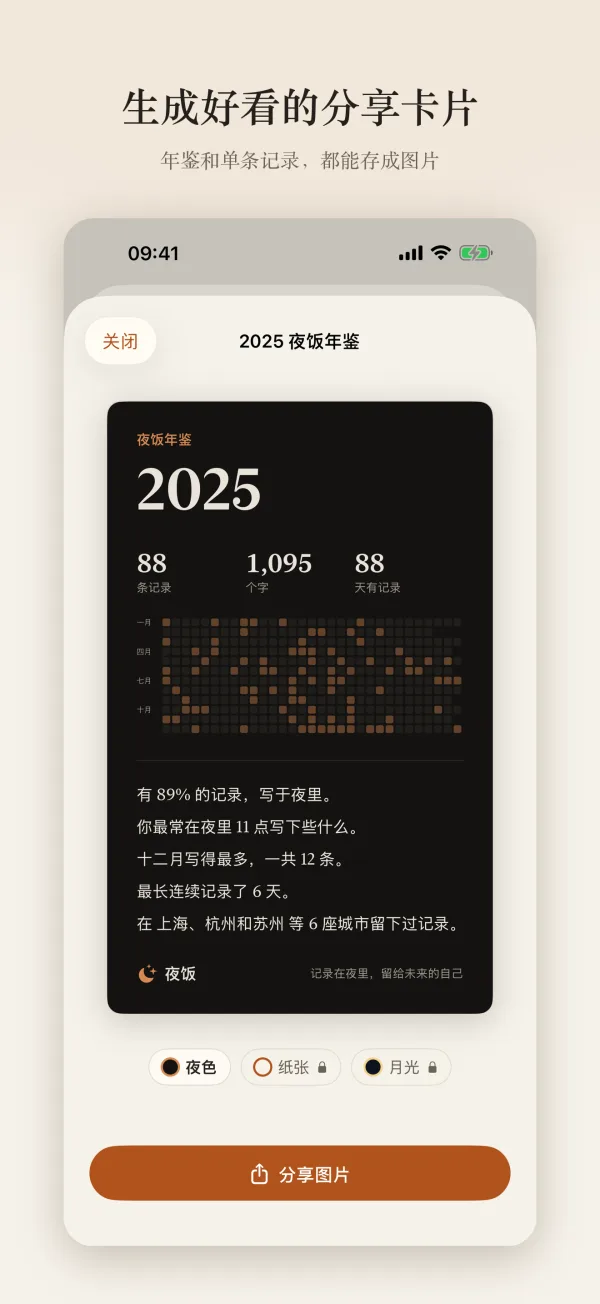
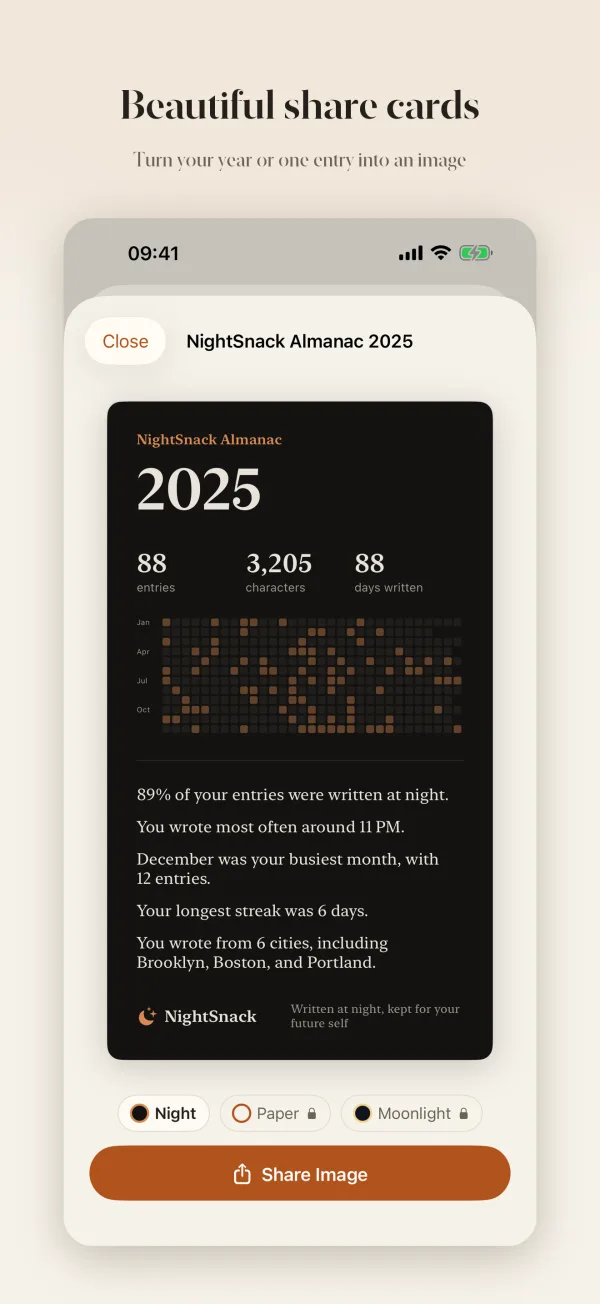
夜饭年鉴NightSnack Almanac
- 一年写了多少条、多少字、哪些天有记录
- 你最常在几点写,有多少写于夜里
- 生成年鉴卡片,或把一条记录做成图片分享
- How many entries and words you wrote, and on which days
- What time you usually write, and how much of it was at night
- Make an almanac card, or turn an entry into an image to share
夜饭 PlusNightSnack Plus一次购买One-time
- 年度书:把一年的记录排成一本带照片的 PDF
- 足迹地图:在地图上看你在哪些城市写过日记
- 更多分享卡片样式和 App 图标
- Year Book: your year as a PDF book, photos included
- Footprint Map: every city you’ve written in, on a map
- More share card styles and app icons
把饭否的过去带回家Bring your Fanfou past home
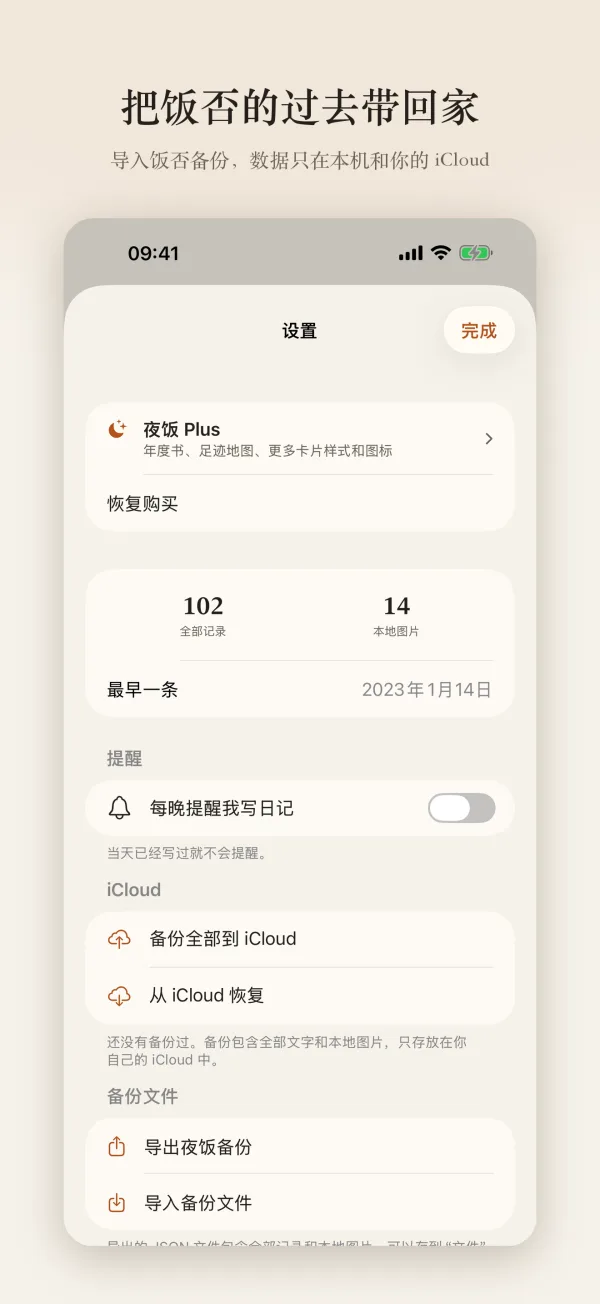
- 导入饭否消息备份,历史消息按时间排进日记
- 历史图片下载保存到本机,不再依赖原来的服务器
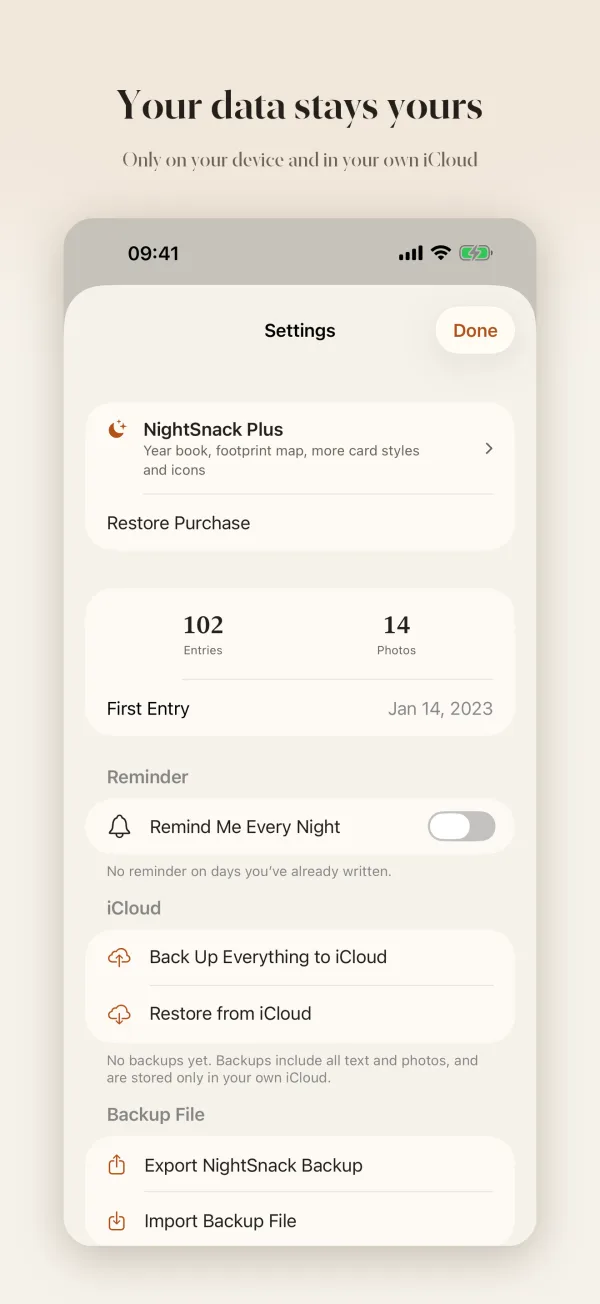
- Import a Fanfou backup and your old posts join your journal by date
- Old photos are saved to your device, no longer tied to the original servers
你的数据只属于你Your data stays yours
- 不收集任何数据,没有统计和广告
- 一键备份到你自己的 iCloud,或导出为文件
- 面容 ID 保护,切到后台时自动遮住内容
- No data collection, no analytics, no ads
- Back up to your own iCloud in one tap, or export a file
- Face ID lock, and content is hidden in the app switcher
支持Support
描述一下你的机型、系统版本和遇到的情况,会更快帮你解决。 Questions or suggestions? Email zw0948@gmail.com.
Include your device model and iOS version so I can help faster.
我的记录存在哪里?
只存在你的 iPhone 上。开发者没有服务器,看不到你的任何内容。
换手机或重装后,记录会丢吗?
卸载应用会删除本机数据。请定期在「数据与备份」里点「备份全部到 iCloud」,新设备上用「从 iCloud 恢复」即可找回;也可以导出一份 JSON 备份文件自己保存。
怎么导入饭否的消息?
先用第三方的饭否消息备份工具导出 backup.json,然后在夜饭的「数据与备份」→「导入备份文件」中选择它。重复导入会自动跳过已有记录。导入后,夜饭会把饭否的历史图片下载保存到本机。
能给夜饭加锁吗?
可以。在主屏幕长按夜饭图标,选择「需要面容 ID」。验证由系统完成。
可以补记过去的事吗?
可以。写记录时点顶部的时间,改到过去的日期即可。
Where are my entries stored?
Only on your iPhone. The developer has no server and can’t see anything you write.
Will I lose my entries if I switch phones?
Deleting the app deletes its data. Back up regularly in Data & Backup → Back Up Everything to iCloud, then use Restore from iCloud on your new device. You can also export a JSON backup file.
Can I lock the app?
Yes. On the Home Screen, touch and hold the NightSnack icon and choose Require Face ID.
Can I write about a past day?
Yes. When writing, tap the date at the top and pick a past date.
NightSnack is also available in 日本語, 한국어, Français and Español. The app follows your iPhone’s language.
夜饭不收集任何个人数据,详见NightSnack collects no personal data. See the 隐私政策privacy policy。.
今晚,写几句给未来的自己。Tonight, write a few lines for your future self.
在 App Store 下载Download on the App Store